Shimmer

Free · Open source · 100% offline · by The Treq

Clean up AI music artifacts.
Then master for release.

The fizz on your cymbals and the plastic sheen on your vocals aren't in your mix — the model put them there. Shimmer finds that noise, strips it out, and masters the cleaned track so it's ready to upload.

Windows · macOS · Linux  ·  AGPL-3.0  ·  No accounts, no uploads, no subscriptions

The problem

That sizzle isn't your mix

You generate a track and it sounds great — until you really listen. A thin, fizzy hash rides the cymbals. The vocals wear a glassy sheen. Turn it up on good speakers and it gets worse.

That's a generation artifact — hiss, flicker, and metallic ringing that AI music models leave behind, usually between 5 kHz and 12 kHz. Normal mastering tools treat it as part of your music, so they compress it, brighten it, and make it louder.

What Shimmer does

Clean first. Master second.

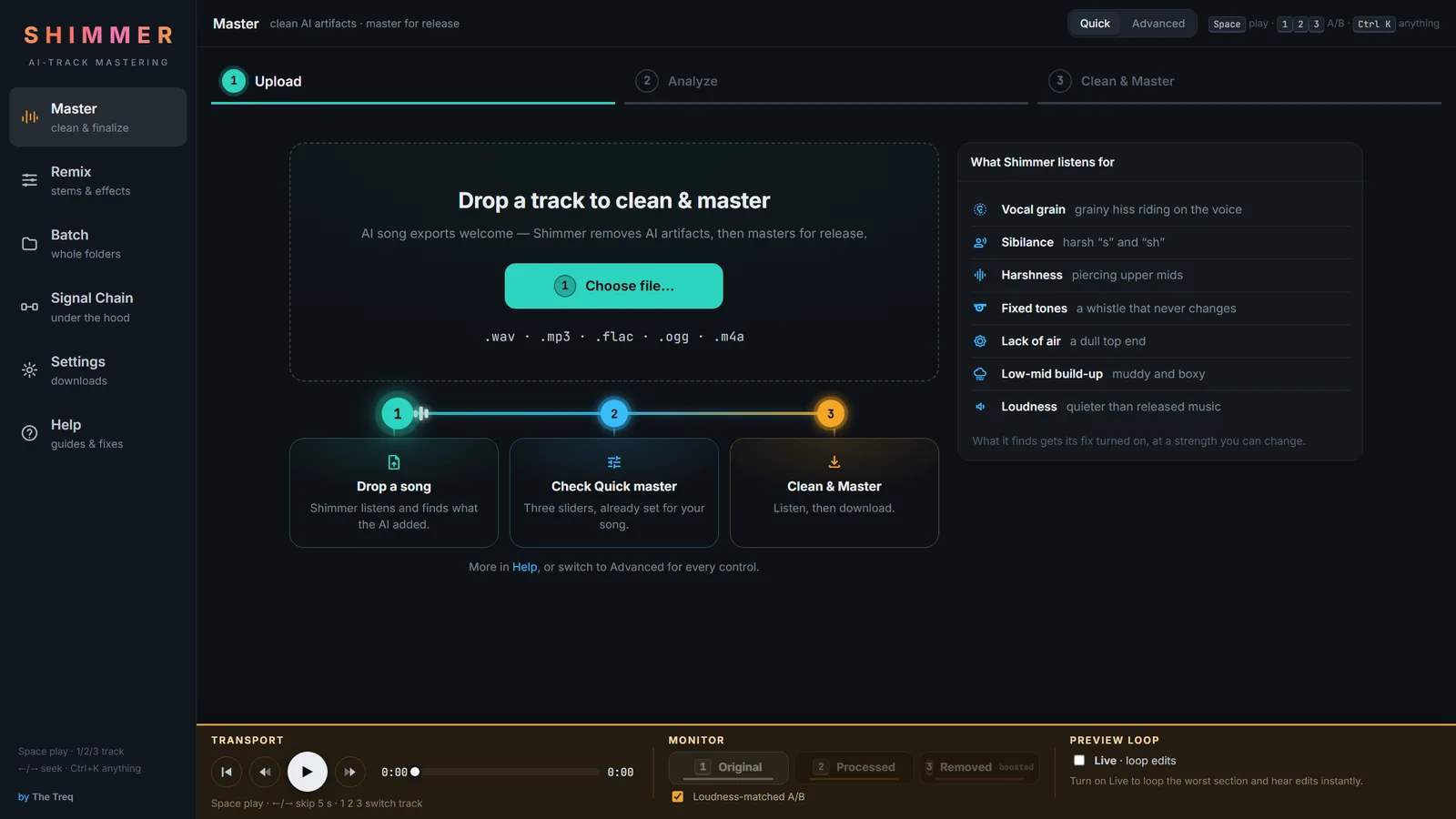
  1. Finds and removes the artifacts — it listens to your track, works out which kind of AI noise you have, and strips it out while leaving the music alone.
  2. Masters the cleaned track — loudness targeting, tone shaping, and true-peak limiting, ready to upload.

That order matters. Master first and you just make the fizz louder.

The safety check no one else gives you

Hear exactly what you're removing

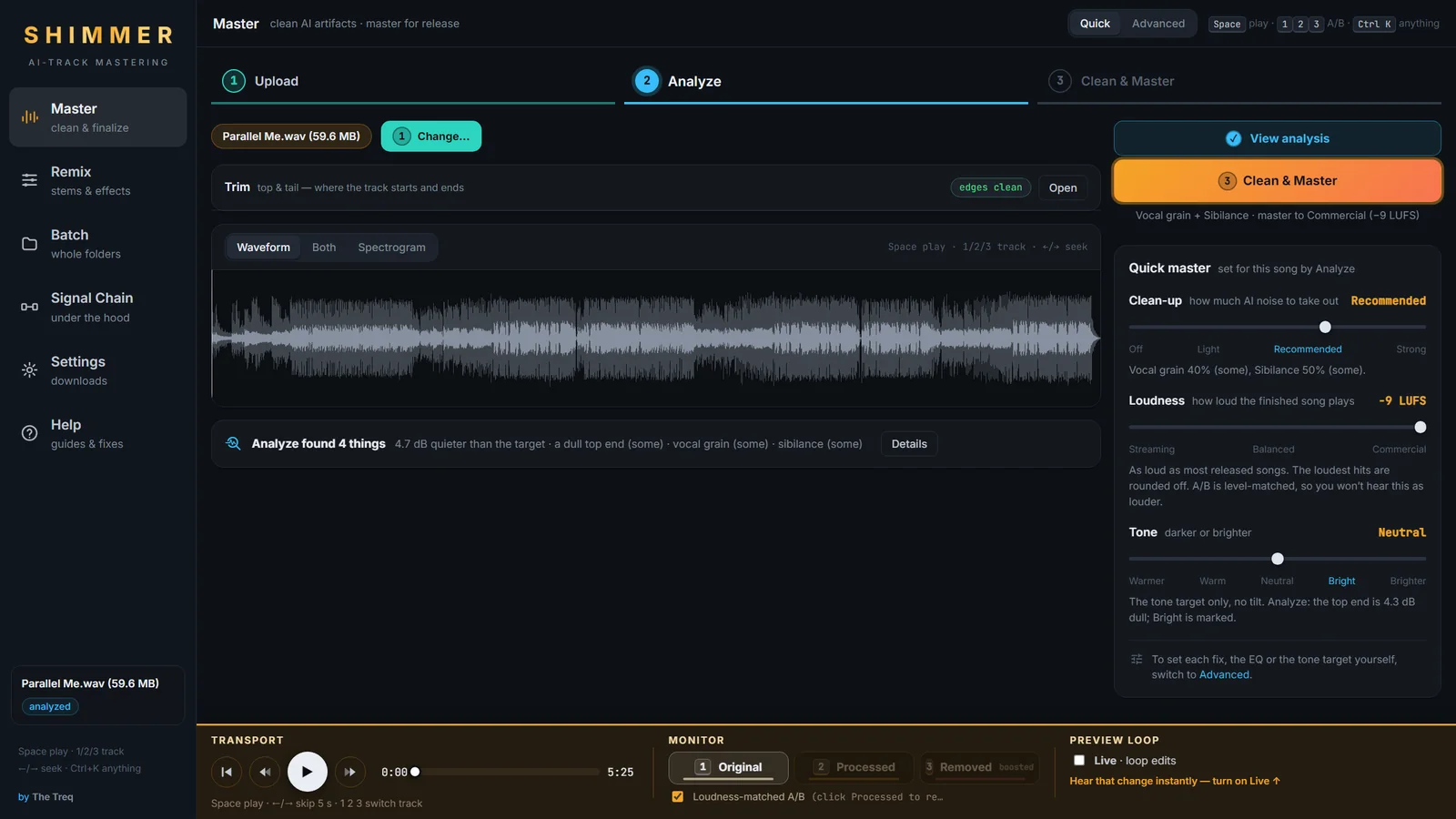
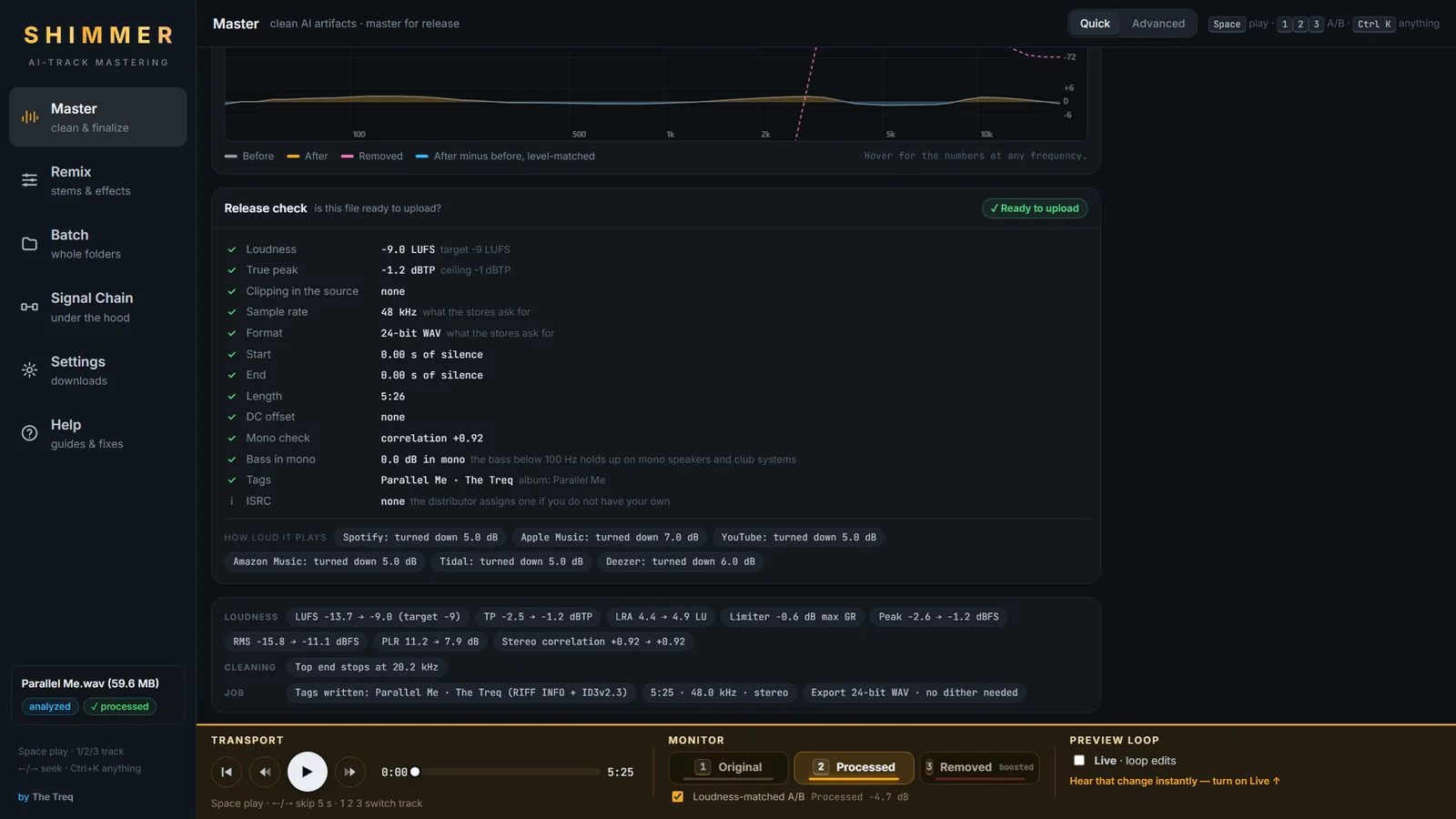
While your song plays, switch between three versions with the 1 2 3 keys — loudness-matched, so your ears judge the sound, not the volume.

1

Original

Your untouched upload.

2

Processed

Cleaned and mastered.

3

Removed

Only what Shimmer took out — turned up so you can hear it. If there's music in here, you're cutting too hard.

What's inside

A full finishing suite, not a filter

19 artifact presets

Grouped by what you hear — fizzy hash, glassy cymbals, laser whistles, plastic vocals, harsh veil. Hit Analyze and Shimmer picks the right one and tells you why, or choose yourself. Every preset has a 0–200% strength dial.

Mastering that keeps your dynamics

Streaming (−14 LUFS), Loud (−11), or CD/Club (−9) targets, tone match and tilt, and a 4× oversampled true-peak limiter. Loudness is one steady gain move — never multiband squash.

A real 12-band EQ

Drag the curve, scroll for Q, double-click to add a band. Zero-phase, so tone changes never smear your transients. Seven starting points built in.

Remix with stems

Split any track into vocals, drums, bass, and other. Formant, saturation, doubler, and reverb per stem, with mute/solo/faders. Stems cache per track; your mix saves itself.

Batch a whole folder

Point it at a directory and let it work — one preset for everything, or auto-detect per track. Results stream in file by file.

Signal Chain view

A plain-language map of every stage your audio passes through. Click a stage to read what it does and jump to its controls. No black box.

How it works

Surgical, not broad

Your low end is never touched. A linear-phase crossover splits the track at 4.5 kHz — kick, bass, and the body of your vocals bypass the cleaning engine entirely.

The center of your mix is protected. Vocals and snare live in the middle, so it's cleaned gently; most AI shimmer lives in the stereo sides, so the sides get the full treatment.

Nine detectors hunt different artifact shapes on the high band, with two safety gates protecting transients so drums keep their snap.

Why it's reliable

Classic DSP. Zero ML.

There's no machine learning anywhere in the cleanup path — it's deterministic signal processing built on NumPy and SciPy. The same settings give you the same result, every single time.

Your music stays on your computer. Shimmer runs entirely on your machine. No uploads, no accounts, no training on your tracks, no internet needed after setup.

Quick start

Running in minutes

Windows

Grab the code from GitHub (green Code button → Download ZIP), unzip it somewhere permanent, and double-click start.bat. Your browser opens when it's ready.

macOS / Linux

git clone https://github.com/henricksmedia/shimmer.git
cd shimmer
./start.sh

First launch sets up a private environment (~200 MB, 5–10 minutes). After that it starts in seconds. Nothing installs system-wide — delete the folder and it's gone. WAV/FLAC/OGG work out of the box; MP3/M4A need ffmpeg.

Really free

Free to use. Free on music you sell.

Shimmer is open source under AGPL-3.0. The license governs the software, not your music — everything you master with it is yours, no strings, no royalties. If you find it useful, a star on GitHub helps other musicians find it.